
AI Recording Card
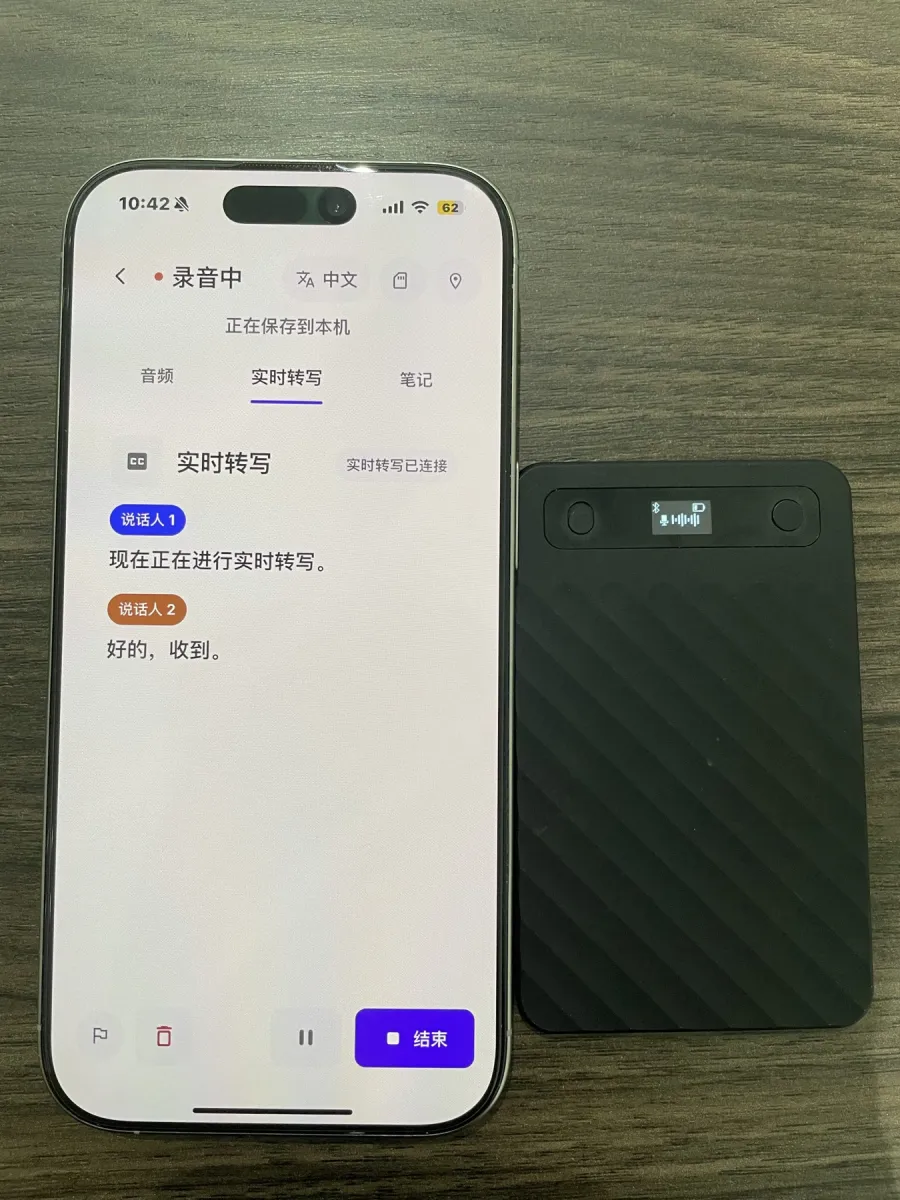
The size of a credit card and about 3 mm thick, it attaches magnetically to the back of your phone so you can take it anywhere, or sits on the meeting table to pick up sound. The recording card connects to your phone over Bluetooth, and recording, live transcription, and SI Minutes all happen in the LATU app.
There are currently two models: LATU A1 and LATU A1 PRO. To learn how to connect and use them in the app, see AI recording card in the Help Center.
Purchases and partnerships: contact@qinovo.top
Two models
| Feature | LATU A1 | LATU A1 PRO |
|---|---|---|
| Supported phones | iPhone and Android | iPhone only for now |
| Bluetooth connection, live transcription, automatic recording continuation after disconnection | Yes | Yes |
| Physical button to start / stop recording | Yes | Yes |
| Wi-Fi fast transfer of files on the card | Yes | — |
| Low-power recording mode | Yes | — |
| Smart noise reduction | — | Yes |
| Custom screen text, screen timeout, and Bluetooth name | — | Yes |
| Vibrate to find the card from the app | — | Yes |
Both recording cards must be bound to your account in LATU before use.
Using the LATU A1
Easy to use · Two recording modes · One-press control
| Part | Action | What it does |
|---|---|---|
| Mode switch | Slide up | Phone call recording mode |
| Mode switch | Slide down | Standard recording mode |
| Physical function button | Short press | Start / stop recording |
| Physical function button | Long press | Power on / off |
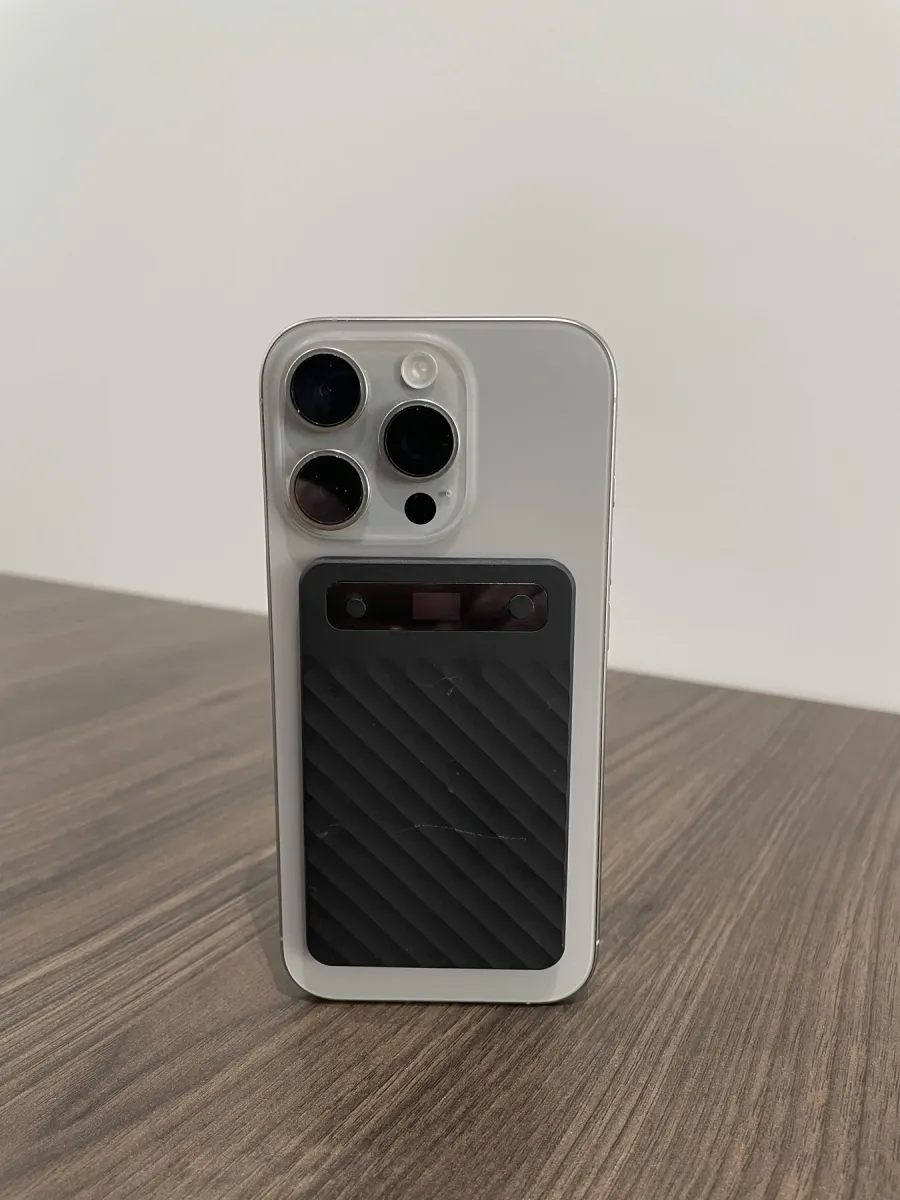
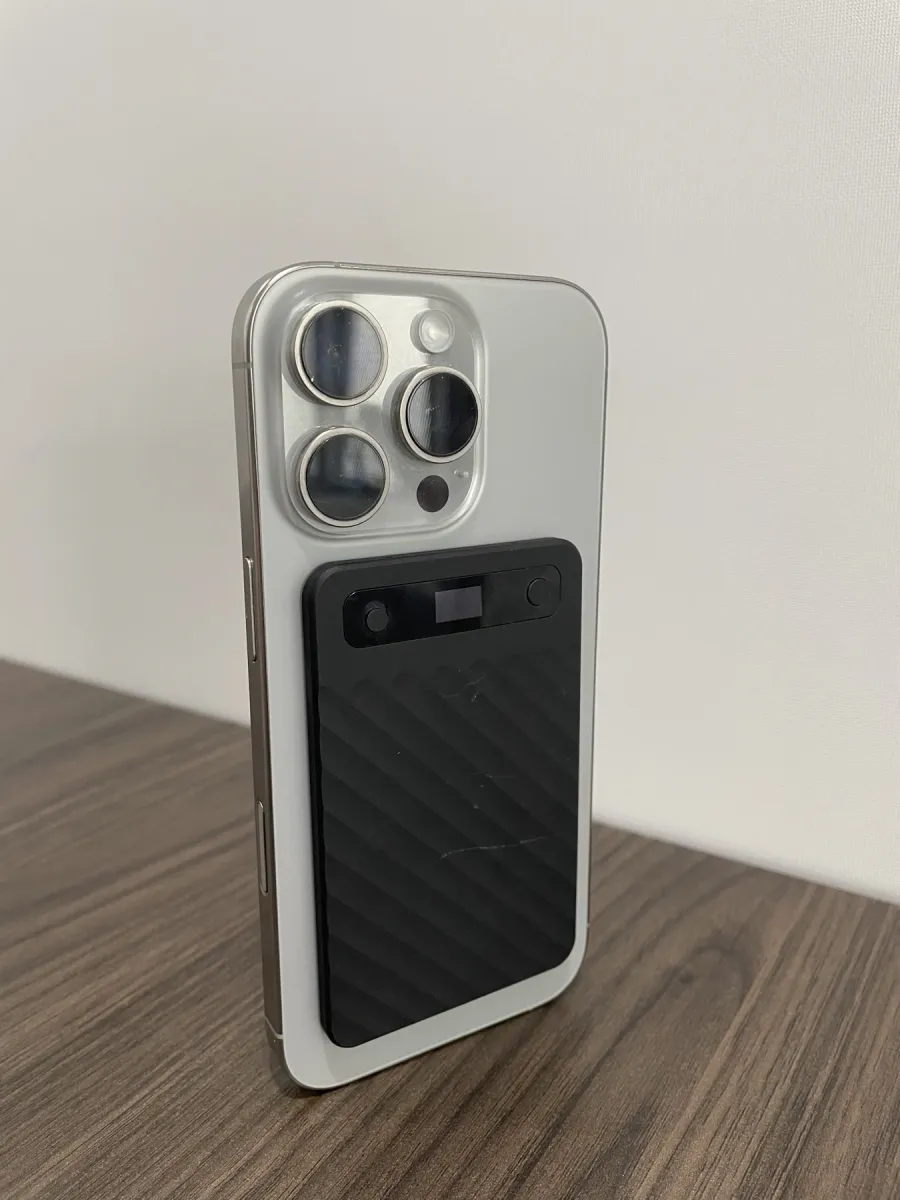
Built-in strong magnets let it snap on easily and hold firmly without falling off.
LATU A1 specifications
| Item | Specification |
|---|---|
| Dimensions | Approx. 90 × 57 × 3 mm (credit card size) |
| Weight | Approx. 45 g |
| Battery capacity | 400 mAh |
| Standby time | Up to 72 hours |
| Continuous recording time | Up to 10 hours |
| Storage | Built-in storage (holds multiple recordings) |
| Recording format | WAV (high-quality audio format) |
| Charging port | USB Type-C |
| Charging time | About 1.5 hours to fully charge |
| Operating temperature | 0 °C to 45 °C |
| Housing material | ABS + PC |
| Mounting | Magnetic (built-in strong magnets) |
Wireless transfer
| Method | Max transfer speed | Transfer time |
|---|---|---|
| Wi-Fi | 110 kB/s | About 1 minute for 1 hour of audio |
| Bluetooth | 32 kB/s | About 5 minutes for 1 hour of audio |
These figures are from lab tests and may vary depending on your environment. Transfer times don't include the time it takes to connect the device.
What's in the box
LATU A1 unit × 1, USB charging cable × 1, user manual × 1, certificate of conformity × 1.
Precautions
- Fully charge before use.
- Choose the recording mode that fits your needs.
- Save your files promptly after recording.
- Avoid using in hot or humid environments.